Front vs Rear Service LED Displays: A Buyer’s Guide
Choose front or rear maintenance around the installation, component access and service workflow. Compare LED screen options and prepare a practical purchase brief.
Front or rear service: the short answer
Choose front-service LED cabinets when a usable rear access route cannot be preserved. Choose rear service when the installation provides a practical, safe working space behind the screen. For equipment that supports both, review the access route for each replaceable component. Neither direction is automatically better: the right choice is the one that lets the installed system be maintained without dismantling unrelated structures. Decide this before finalising the mounting design or ordering the cabinets.
What front maintenance and rear maintenance mean
Front maintenance means a specified component can be reached or removed from the viewing side of the display. Rear maintenance uses access behind the cabinet. A description such as “front-service module” tells you about the module, not necessarily the power supply, receiving card, connectors or external processing equipment. Manufacturer references sometimes identify modules and power boxes separately for this reason. Treat the exact product documentation as the component-level answer; a cabinet label is only the starting point.
Compare the installation, not just the cabinet label
Start with the available service space and the way people will work around the finished screen. The comparison below is a purchasing checklist, not a universal installation specification.
| Decision | Front service | Rear service |
|---|---|---|
| Access route | Working space is needed in front for the stated removal procedure. | Working space and a route to the back of the screen are needed. |
| Wall-mounted or recessed screen | Useful to investigate when rear access is restricted; check every component and cable route. | Requires a rear service route or an installation designed to expose the back. |
| Event or stage screen | Check access during the event layout, including barriers and scenic elements. | Check whether stage structure, equipment or scenery obstruct the rear working area. |
| Component coverage | Confirm modules, power and receiving components individually. | Confirm modules, power and receiving components individually. |
| Tools and handling | Use the removal method and tools specified for the selected module. | Review door, fastener, cable and component-removal requirements. |
| Cost comparison | Include mounting, tools, access and the complete service plan. | Include mounting, any service platform or corridor, and the complete service plan. |
Build a component access matrix before you approve the layout
Ask for a clear answer for each component in the quoted configuration. “Accessible” should mean that the component can actually be removed and replaced after the surrounding structure, trim and cables are installed. Use a drawing or a demonstration to resolve unclear items.
| Component | What to record | What to verify |
|---|---|---|
| LED module | Front, rear or both; removal tool and handling method. | The module can be released and removed in the planned layout. |
| Power supply or power box | Access direction and replacement arrangement. | Cables, covers and support members do not block removal. |
| Receiving card and connections | Access route and the quoted control configuration. | The parts and connectors remain reachable after installation. |
| Power and data cabling | Cable route, connector position and separation points. | Routing leaves the space needed for the specified service procedure. |
| External processor and distribution | Location, access and responsibility for service. | The supporting equipment is included in the access plan. |
Front service does not mean zero space behind the screen
Cabinet depth and finished installation depth are different measurements. Mounting hardware, connectors, cable routing and the specified environmental requirements still need room. Front removal also needs working space in front of the display. There is no single clearance that applies to all LED screens. Use the documentation for the exact cabinet, the component-removal procedure and the site design to establish the space required; do not approve a recess from cabinet thickness alone.
Three buying situations that change the decision
The same service feature can have different value in different projects. Define the installation and operation first, then compare suitable products.
- Indoor venue or meeting room: when the screen sits against an existing wall, investigate front access for every serviceable component, along with trim, cable routes and the method of reaching the top of the screen.
- Rental fleet for wedding, stage and corporate work: consider changing layouts, available backstage space, transport and spare-module handling. A cabinet with both access directions can provide options, but only where those directions remain usable in the deployed layout.
- Outdoor advertising installation: review the permanent structure, access arrangements and weather-exposed parts together. Front service can be an option on suitable outdoor configurations; the access label alone does not define the complete environmental or structural design.
Where to start in our LED display range
Use the documented access features below to start a shortlist. These are series-level descriptions from our product records, not a promise that every component or version can be serviced in both directions. Read the linked product specifications and complete the component matrix for the configuration being quoted.
| Series | Documented starting point | Purchase review |
|---|---|---|
| InnoLux | Indoor and outdoor configurations list front or rear access. | Match the environment and cabinet layout, then verify component access. |
| VisiGuard | Indoor COB display with magnetic front maintenance. | Review the exact pitch, cabinet and front-removal arrangement. |
| AuraVue, LuxEdge and SeamLux | Indoor series with listed front-maintenance features. | Compare cabinet dimensions and the requirements of the installed layout. |
| EcoGuard | Outdoor fixed series with front or rear maintenance. | Confirm the selected configuration, access route and installation scope. |
Send a service-aware request for quotation
A useful inquiry can begin with the application and a photo or drawing of the proposed location. For a comparable quotation, add the following as the details become available. Unknown items can be discussed rather than guessed.
- Screen width and height, display environment and destination.
- Mounting approach and the available space in front of, behind and around the display.
- Preferred access direction for modules, power and receiving components.
- A layout showing structure, trim, cable paths and any service platform or working area.
- Required maintenance tools, matched spare components and the documentation to include in the supply scope.
- Who will install and maintain the system, and which site-specific matters need review by the responsible qualified parties.
Compare the complete service workflow
When comparing offers, use the same screen layout and component matrix. Review how the faulty component will be identified, accessed, removed, replaced and checked, using the selected product instructions. Include mounting, tools, spare parts and any access arrangements in the scope comparison. Avoid assigning a universal labour saving or repair-time promise to either service direction. Actual work depends on the product, installation and maintenance team.
Common questions
Is a front-service LED display always better?
No. It is useful where rear access is impractical, but the complete installation still needs working space, cable routing and access to each serviceable part. Rear service can be suitable when a safe, usable rear access route is already part of the design.
Can an outdoor LED display support front maintenance?
Yes, suitable outdoor configurations can offer front service. EcoGuard is one starting point in our range. Confirm the exact configuration and component access; the maintenance direction does not by itself establish the complete weather protection or mounting design.
Does front maintenance mean the screen can touch the wall?
No. Cabinet depth does not include every mounting, connector, cable and operating-space requirement. Establish the required installation space from the actual product documentation and site design.
Do all front-service displays use the same suction tool?
No. Use the removal method and compatible tool specified for the selected module. Magnetic retention or a front-service label does not establish that one tool is suitable for every product.
What should a rental company ask before choosing service access?
Ask which parts can be reached from each direction, what tools and spares are required, and whether stage structure, scenic elements and the audience layout will leave those directions usable.
Explore related series
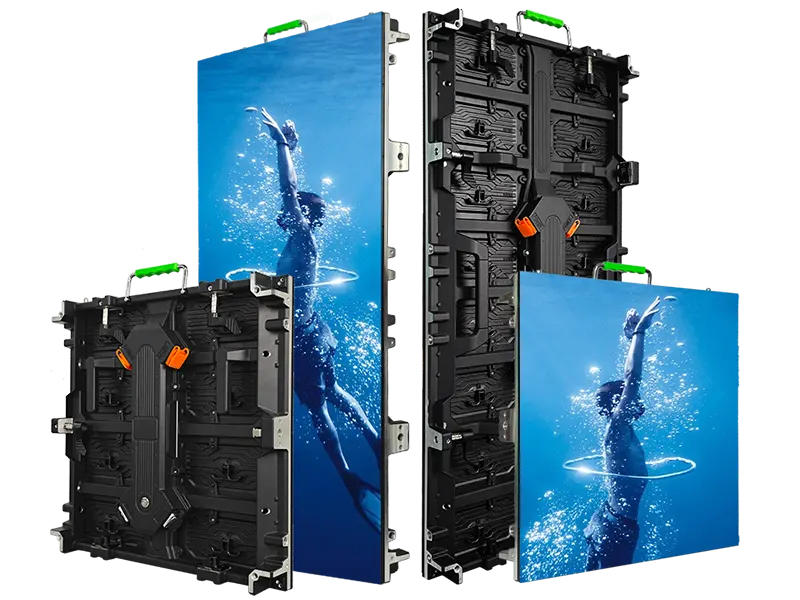
InnoLux
Rental LED display configurations for indoor and outdoor event use
View series →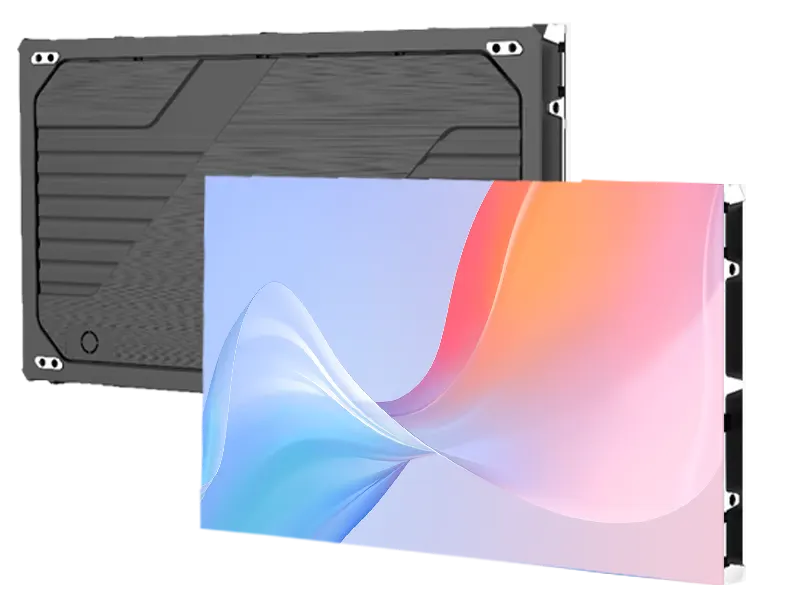
VisiGuard
COB indoor LED displays with fine-pitch configuration options
View series →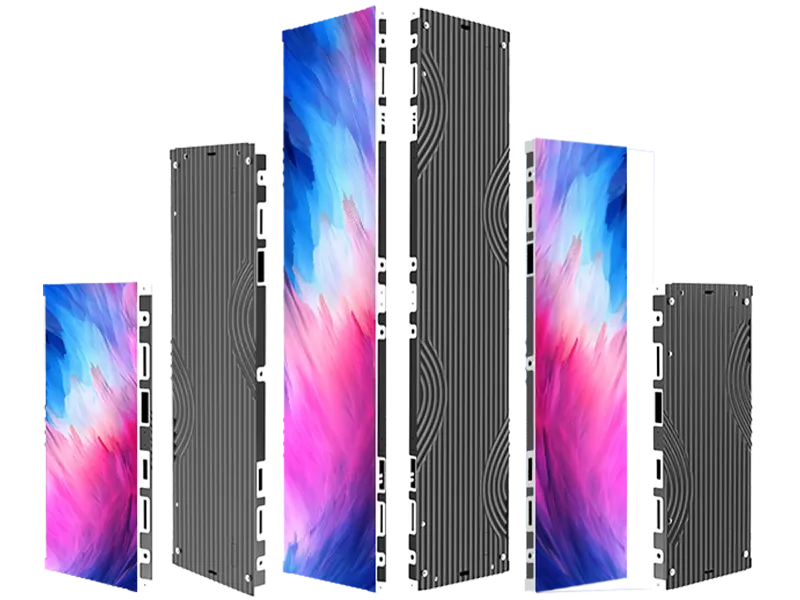
AuraVue
Indoor LED panels for architectural and creative display layouts
View series →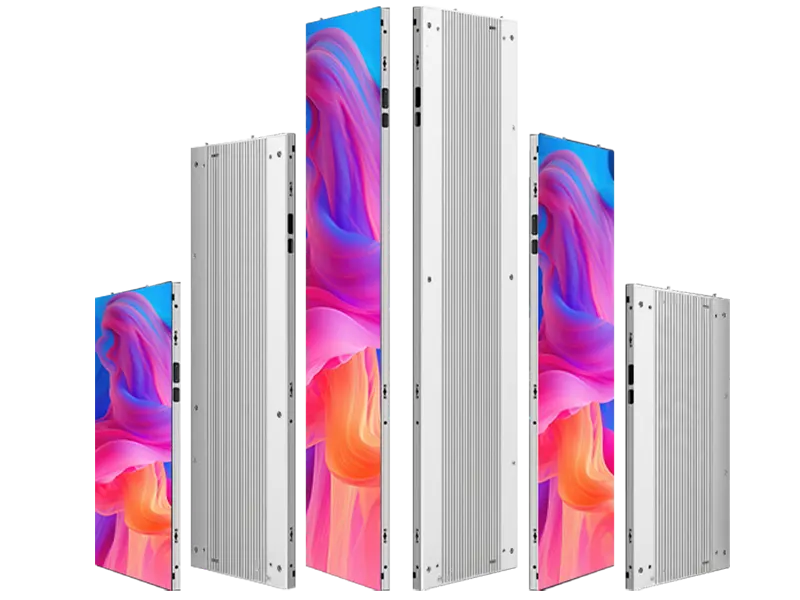
LuxEdge
Slim indoor LED panels with magnetic front maintenance
View series →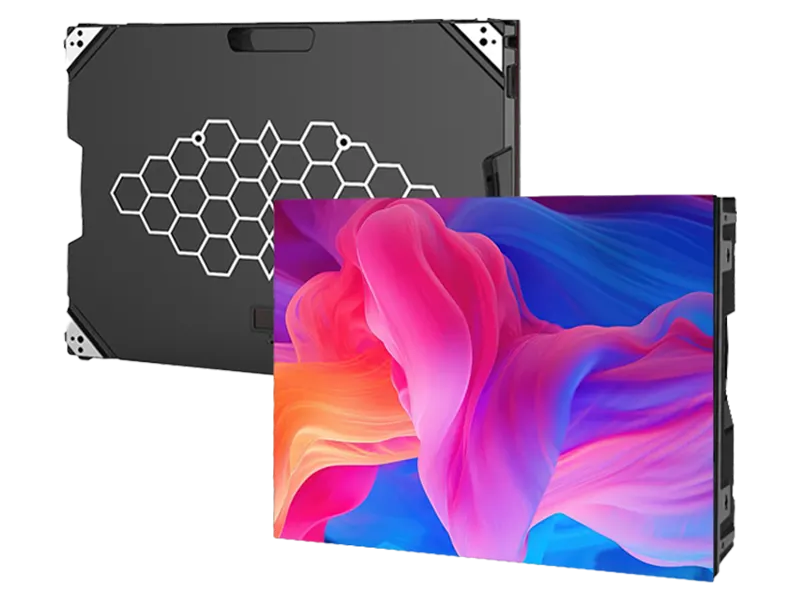
SeamLux
Front-service indoor LED cabinets for large-format video walls
View series →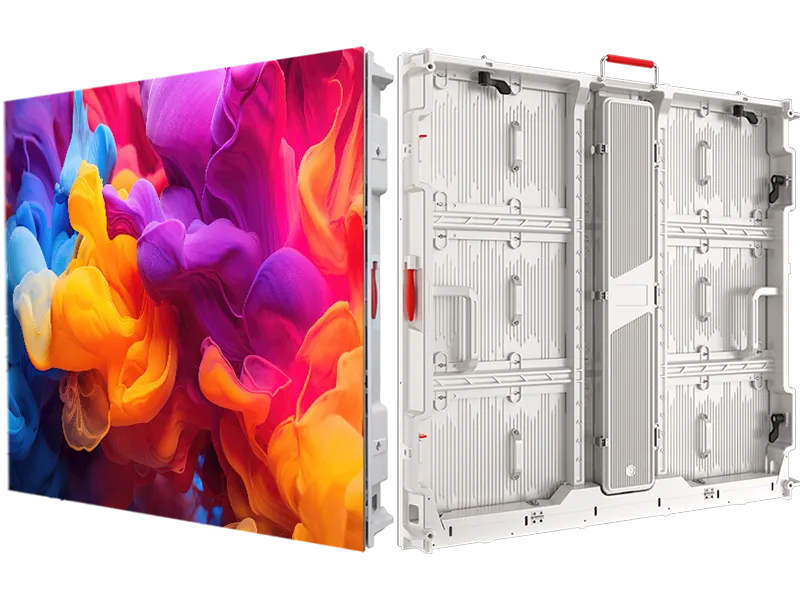
EcoGuard
Profile-aluminum cabinets for outdoor fixed displays.
View series →Technical references
These references explain technical principles. Confirm the supplied configuration against its own product specification.
Discuss your configuration
Have a question? Just leave your email and a message.