Complete LED Video Wall System Checklist
A procurement checklist for the display, control, power, transport, spares, documents, and support items behind a usable LED video wall system.
Display hardware
List the exact cabinet or panel model, quantities, pixel-pitch configuration, cabinet dimensions, weight, brightness conditions, environmental rating where applicable, maintenance method, and permitted configuration. For a simple planning example, a 4 m by 2.5 m wall using 500 mm by 500 mm cabinets would be 8 columns by 5 rows, or 40 cabinets. This is only a quantity illustration; it does not design the structure, power distribution, signal path, loading, or safety plan. Keep model-level values together so a quotation does not combine specifications from different variants.
Draw the signal path before choosing a controller
A typical planning path is content source → optional switcher/scaler → LED processor or sending device → data distribution → receiving cards in the cabinets → LED modules. Some devices combine functions. List each source's connector and format, the screen's native pixel dimensions, cable routes, and the required frame rate and bit depth. Check the chosen controller's manual for total capacity, per-port loading, maximum width/height, and operating conditions. Total pixel count alone does not determine a valid port map or prove compatibility.
Separate display quantity, spares, and packing
Using the illustrative 40-cabinet wall, a purchase sheet could list 40 display cabinets and 2 additional spare cabinets: 42 cabinets to transport. If compatible cases each hold 8 cabinets, round 42 ÷ 8 up to 6 cases, leaving 6 unused cabinet positions. Both the spare quantity and case capacity are assumptions, not a recommended ratio or an included package. List spare modules, power supplies, receiving cards, and cables separately with their compatible versions.
Add a canvas to the system worksheet
Hypothetical example only: if each of the 40 cabinets has a native resolution of 200 × 200 pixels, 8 columns × 5 rows produce 1,600 × 1,000 pixels, or 1,600,000 pixels total. The physical wall is 4 m × 2.5 m, an 8:5 shape. A 16:9 source will need an agreed scaling, cropping, or unused-area treatment. This assumes a cabinet resolution for demonstration and does not identify a shipping SKU or a compatible processor.
Power, cabling, and support items
Request a clear list of power cables, data cables, distribution or connection items, spare modules or components, tools, and any structural, rigging, ground-support, or mounting items relevant to the installation. The list should distinguish included items from optional items and items supplied by the buyer or venue.
Transport and event operations
For rental work, include flight cases or other agreed transport protection, packing assumptions, loading constraints, setup sequence, test procedure, and storage considerations. Confirm the destination, delivery scope, site access, power conditions, and any local engineering or safety responsibilities separately.
Documents and handover
Ask for current specifications, connection information, configuration guidance, maintenance instructions, spare-part identification, and any agreed training or technical support. Only describe a document, training session, installation service, or warranty term as included when it is confirmed in the commercial scope.
Complete the included, optional, and buyer-supplied list
Mark each item as included, optional, or buyer-supplied: cabinets and installed electronics; processing and control; signal and power cabling; support hardware; spare parts; cases; setup files and instructions; and agreed testing or support. Record quantity, version, responsible party, and the document confirming the scope. Before accepting the equipment, test the agreed cabinet layout, native canvas, sample content, source inputs, service access, and packing inventory. Keep test results with the ordered configuration for the next deployment.
Common questions
Are controllers and cables normally included with an LED display?
They may be included, optional, or supplied by the buyer depending on the quotation. Ask for each item and quantity to be listed explicitly.
Do I need spare LED modules for a rental fleet?
Spare planning is a practical fleet decision influenced by the model, event schedule, service arrangement, and supplier support. Request model-compatible spare recommendations rather than assuming a universal quantity.
Does a complete system checklist replace an engineering review?
No. It helps identify procurement gaps. Structural, power, rigging, venue, and local safety requirements still need review by the responsible qualified parties for each installation.
Explore related series
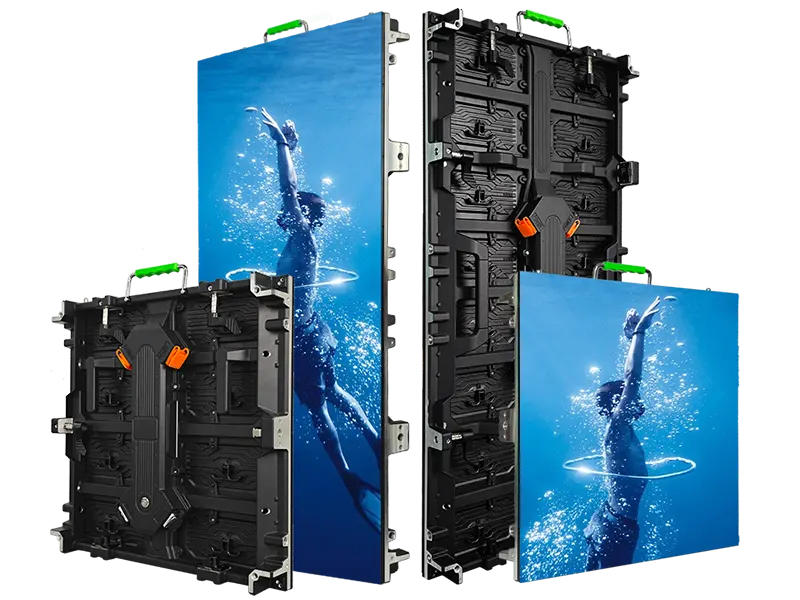
InnoLux
Rental LED display configurations for indoor and outdoor event use
View series →
InnoVisual
Creative rental LED display configurations with curved splicing
View series →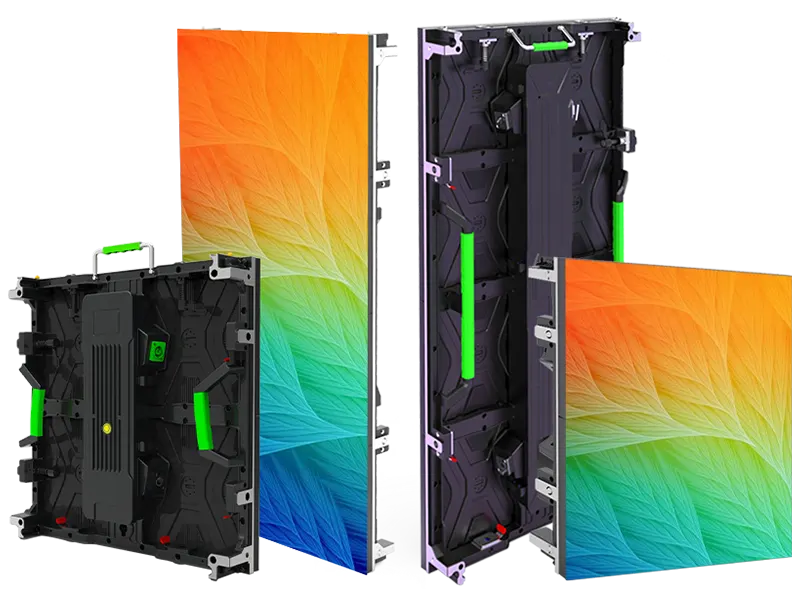
OptiFlex
Flexible rental LED display configurations with curved splicing options
View series →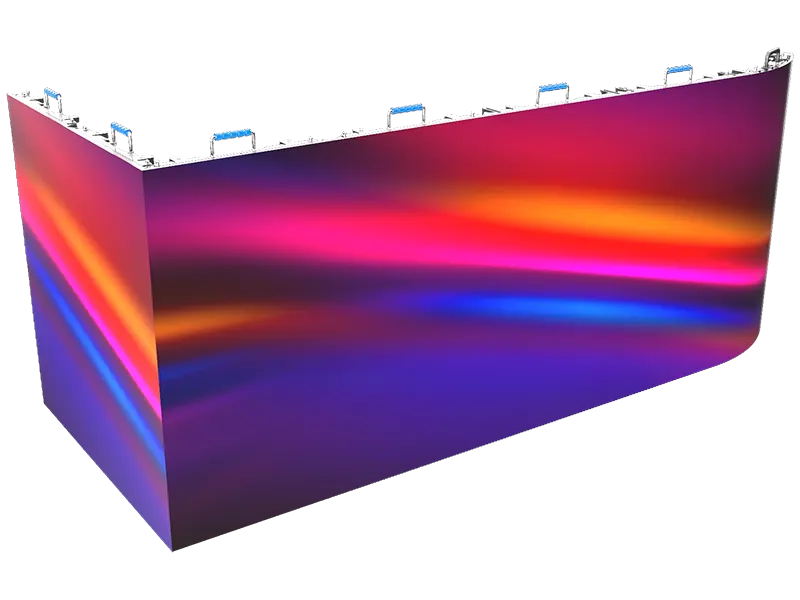
PixelFuse
Creative rental LED display configurations with flexible splicing
View series →Discuss your configuration
Have a question? Just leave your email and a message.