How to Choose a Rental LED Display
A step-by-step selection framework for rental companies comparing LED display systems for events, stages, weddings, and corporate productions.
Choose the environment before comparing panels
For indoor rental equipment, start with close viewing, content, camera use, brightness control, and available service access. For outdoor rental equipment, add daylight exposure, the selected cabinet's protection requirements, connections, operating conditions, and site planning. A covered stage alone does not establish that an indoor cabinet is suitable outdoors. Use the indoor and outdoor rental categories to compare equipment configurations, then the series pages for exact specifications; temporary event use also has different requirements from a permanent fixed installation.
Match pixel pitch to the viewing task
Pixel pitch is one input to image detail and viewing comfort, but it is not a complete selection rule. Measure the closest and typical audience positions, consider the content being shown, and discuss camera requirements. Use the pixel-pitch guide and the exact product specification together; do not treat a generic distance formula as a guarantee for every venue or camera.
Shortlist by the operating constraint
Start with the hardest requirement to change: available service clearance, packing dimensions, or screen shape. If rear access is limited, compare front-maintenance options for the intended indoor or outdoor configuration. For curved builds, match the required curved splicing range to the cabinet and accessories. Treat right-angle corner accessories as a separate compatibility check. Record the selected pitch, cabinet size, maintenance method, and control configuration on the quote so the purchase matches the planned build.
Compare 500 × 500 and 500 × 1000 mm layouts
Illustrative flat-wall planning: 4 m × 3 m needs 8 × 6 = 48 cabinets at 500 × 500 mm, or 8 × 3 = 24 cabinets at 500 × 1000 mm in the stated orientation. Both layouts cover 12 m². Fewer cabinets can change handling and connection work, but do not prove lower total weight or faster setup. For a 2.5 m target height, 1000 mm-high cabinets alone cannot make an exact fit. Use smaller compatible cabinets or agree a different height; mixed formats require explicit compatibility confirmation.
Use four separate shortlist checks
Compare InnoLux for the maintenance access required by the selected configuration. Compare OptiFlex, InnoVisual, and PixelFuse for curved builds against the required curved splicing range and accessories. For every candidate, record cabinet dimensions, individual handling weight, service direction, and module replacement path. Then check the exact receiving cards, control software, firmware, power/data connectors, and spare-part versions. Matching panel dimensions or a shared controller brand alone does not establish interchangeability.
Compare the whole operating package
A display purchase may involve cabinets, control equipment, cables, cases, spare parts, tools, structural items, documentation, testing, and support. Separate what is included from what is optional. Ask how the supplier handles configuration changes, damaged modules, replacement parts, and technical questions, without assuming a service promise that has not been agreed.
Turn the shortlist into a quote request
Send the supplier a clear brief: screen size, venue conditions, audience distances, camera use, event schedule, destination, power constraints, mounting method, preferred units, and any existing control equipment. Request model-specific values, source documents, and a line-item scope. A short list is ready only when the assumptions and unknowns are visible.
Common questions
Is the smallest pixel pitch always the best choice?
No. Pixel pitch should be considered with viewing distance, content, camera use, budget, and the physical and operating requirements of the rental fleet.
What makes a display suitable for rental use?
Look for repeatable assembly, manageable transport, service access, compatible control, and spares and accessories matched to the selected configuration. Compare these requirements with your crew workflow and event schedule.
Should one rental fleet use one LED series only?
Not necessarily. Consistency can simplify control, packing, and spares, but different event requirements may justify different series. Compare compatibility and operating complexity before mixing products.
Can I mix 500 × 500 and 500 × 1000 mm cabinets?
Only when the selected versions and accessories support the combined build. Confirm mechanical locks, pixel alignment, maintenance access, control components, and power/data connections. A matching width is a layout clue, not proof of compatibility.
Explore related series
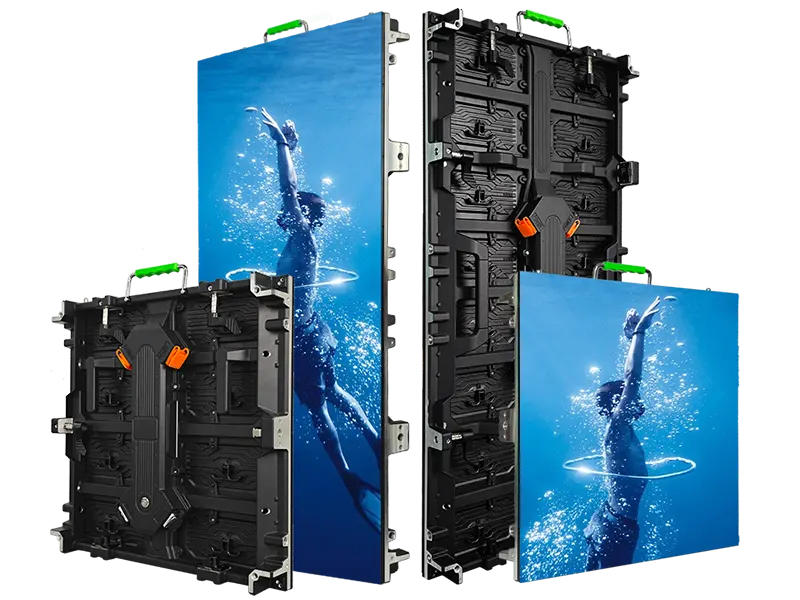
InnoLux
Rental LED display configurations for indoor and outdoor event use
View series →
InnoVisual
Creative rental LED display configurations with curved splicing
View series →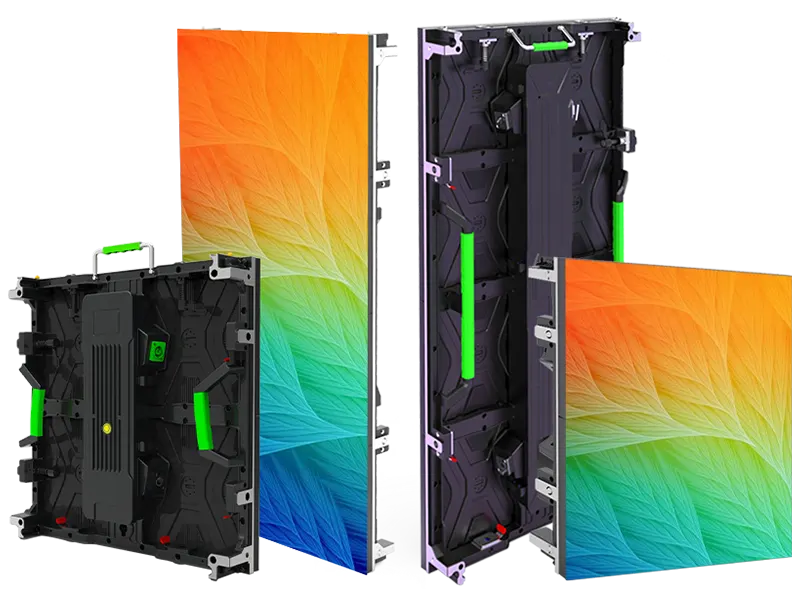
OptiFlex
Flexible rental LED display configurations with curved splicing options
View series →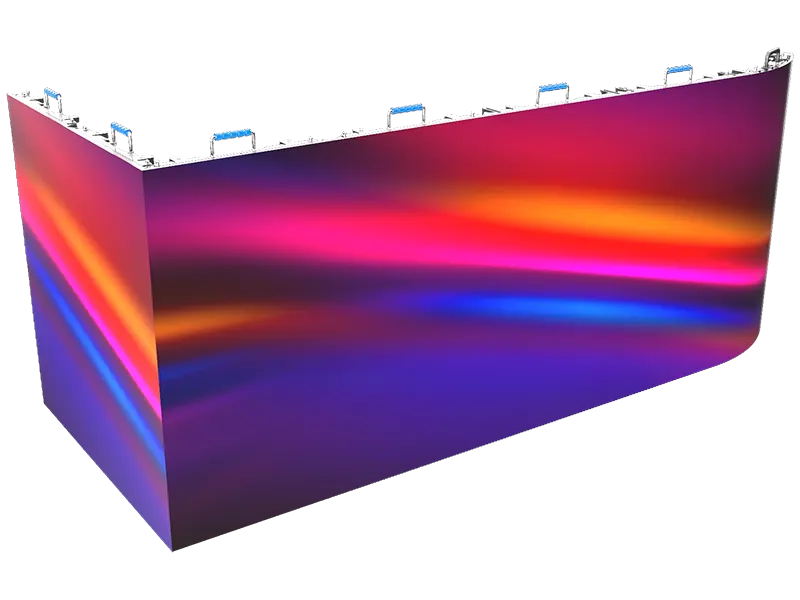
PixelFuse
Creative rental LED display configurations with flexible splicing
View series →Discuss your configuration
Have a question? Just leave your email and a message.