Main wall and side screens
Review InnoLux for its 500 × 500 mm and 500 × 1000 mm panel formats. Define each screen layout and select the indoor or outdoor configuration before comparing quantities.
Review InnoLux →Buy stage LED display equipment for your rental fleet: plan main walls, side screens, curved sections, camera tests, transport, and service access.
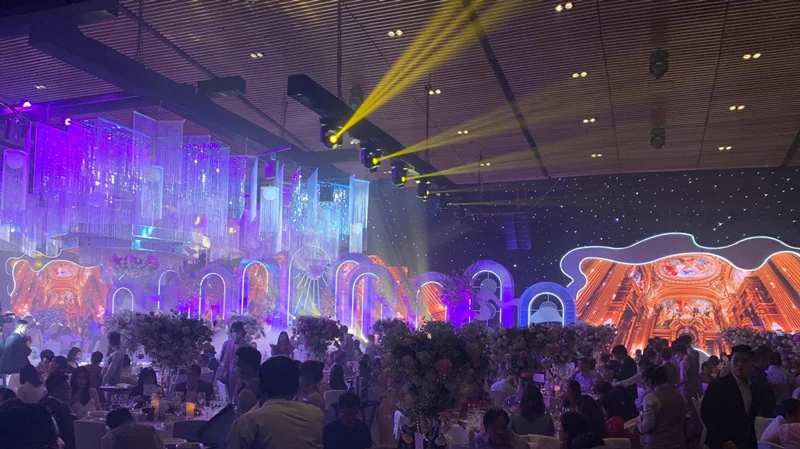
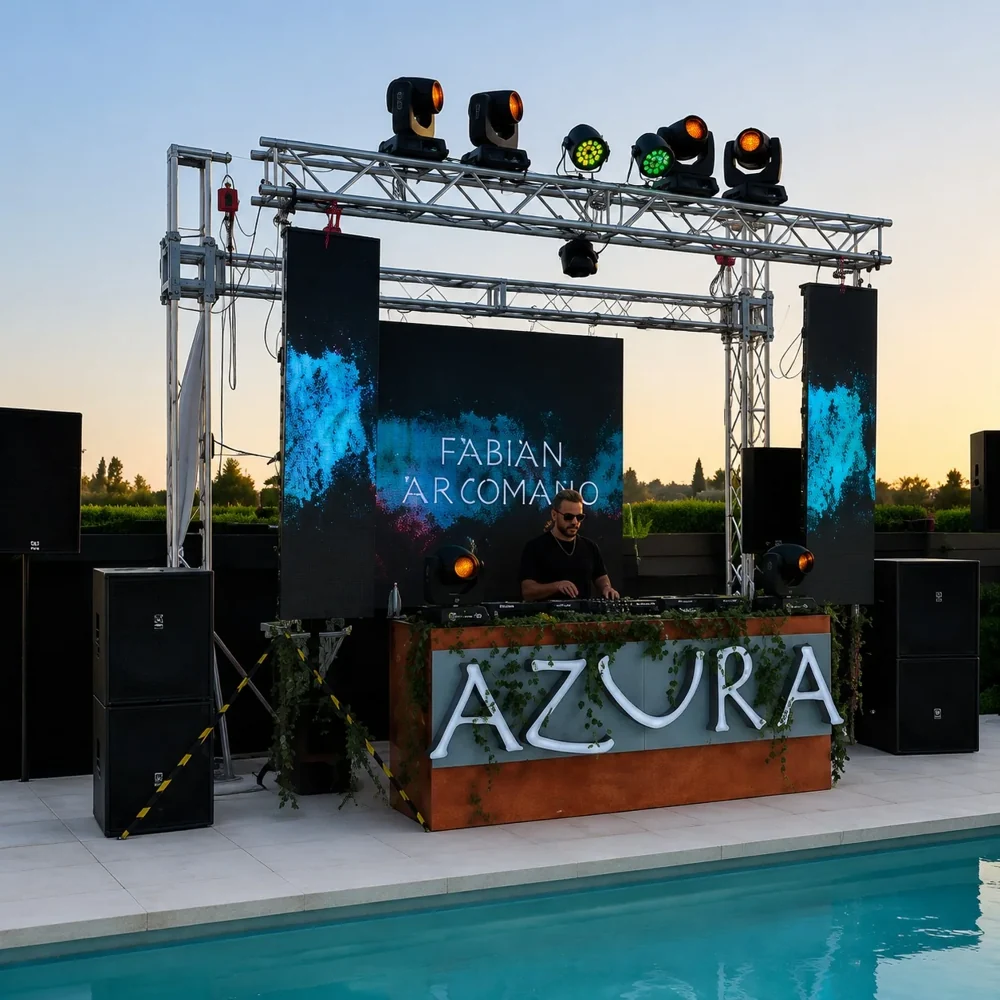
These are starting points for an equipment review. Confirm the exact configuration, accessories and site requirements before ordering.
Review InnoLux for its 500 × 500 mm and 500 × 1000 mm panel formats. Define each screen layout and select the indoor or outdoor configuration before comparing quantities.
Review InnoLux →Review InnoVisual for its documented curved splicing options. Match the required curve to the selected cabinet and accessories; quote right-angle sections separately.
Review InnoVisual →Review AirVue when an open-grille screen is part of the design. Its horizontal and vertical pitch values and pitch-dependent transparency need a separate content and sightline review.
Review AirVue →List the productions you expect the equipment to serve: a single backdrop, a main wall with side screens, or a scenic layout with separate display sections. For each layout, mark audience zones, camera positions, screen dimensions, and whether the build is indoors or outdoors. Use the recurring layouts to decide which cabinet formats and configurations belong in the fleet purchase.
Prepare a crew checklist covering unloading access, case dimensions, cabinet handling, assembly order, service clearance, and repacking. Compare the same checklist across shortlisted systems. Identify whether each screen will be hung or ground-supported and who will design the supporting structure. Include compatible replacement parts and the power and signal connections needed for each layout in the equipment list.
Break the design into a main wall, side screens, and any curved sections. Record width, height, orientation, and access clearance for each section, then translate the layout into cabinet rows and columns. For curved sections, specify the required curved splicing range and compatible accessories. Right-angle corners need a separate accessory or cabinet compatibility check. Include the pitch, indoor or outdoor configuration, maintenance access, and control path for each screen in the purchase brief.
In your inquiry, state the width and height of each screen in ft or m, then ask: Can the proposed cabinets cover these layouts? Which curved sections need additional accessories? Which control components and cables are included for the separate screens? What access is needed to replace a module during a production? Add camera details, destination country, and the date the equipment must be available for testing before its first show. A layout sketch can be shared during follow-up.
Start by drawing each screen as a separate cabinet layout. Compare the required quantities, pitch, orientation, and service access, then identify the control and signal connections for each screen. Shared cabinet dimensions alone do not establish that cabinets or control components can be mixed.
Do not assume so. Confirm the exact display and processing configuration, then test it with the intended cameras and settings.
The screen and stage design should inform each other. Share the production constraints early so structural, sightline, power, signal, and transport requirements can be reviewed together.
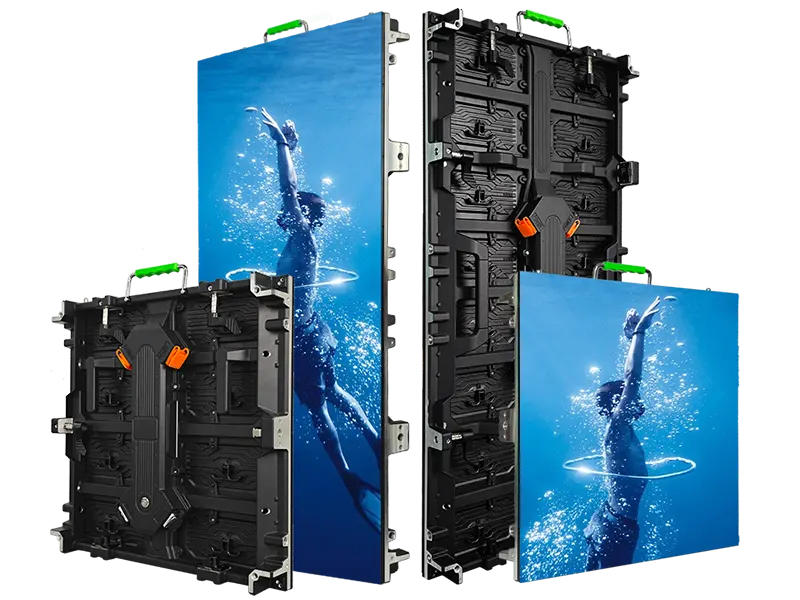
Rental LED display configurations for indoor and outdoor event use
View series →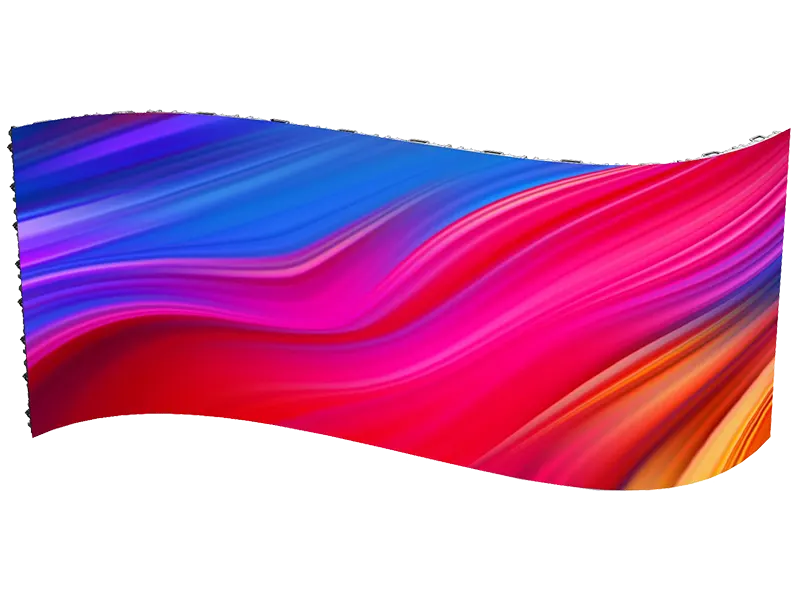
Creative rental LED display configurations with curved splicing
View series →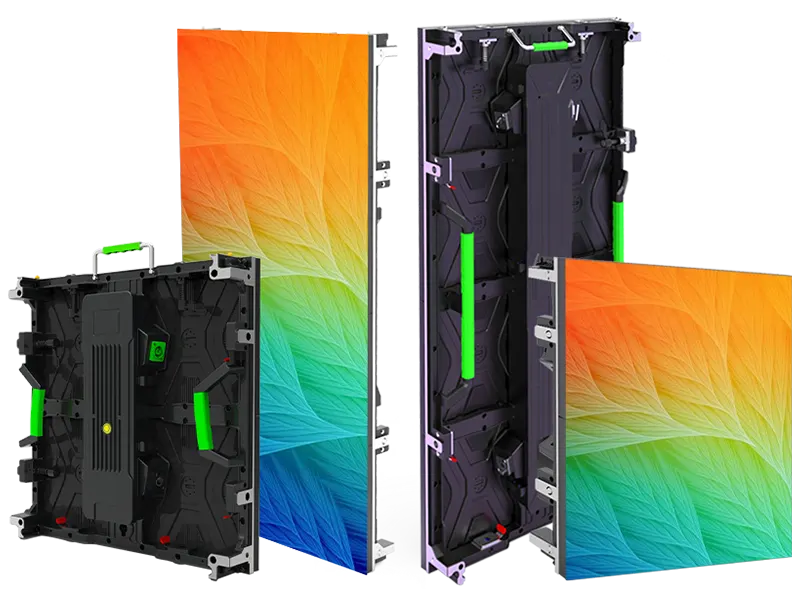
Flexible rental LED display configurations with curved splicing options
View series →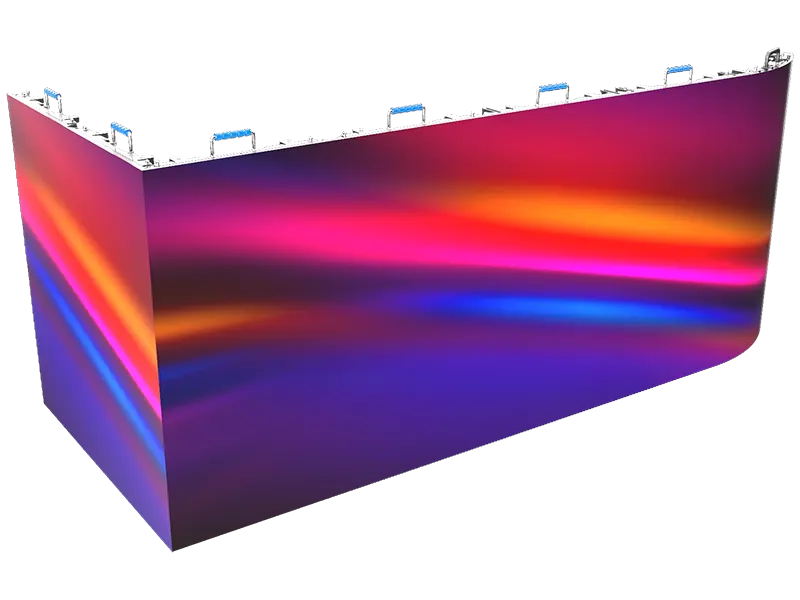
Creative rental LED display configurations with flexible splicing
View series →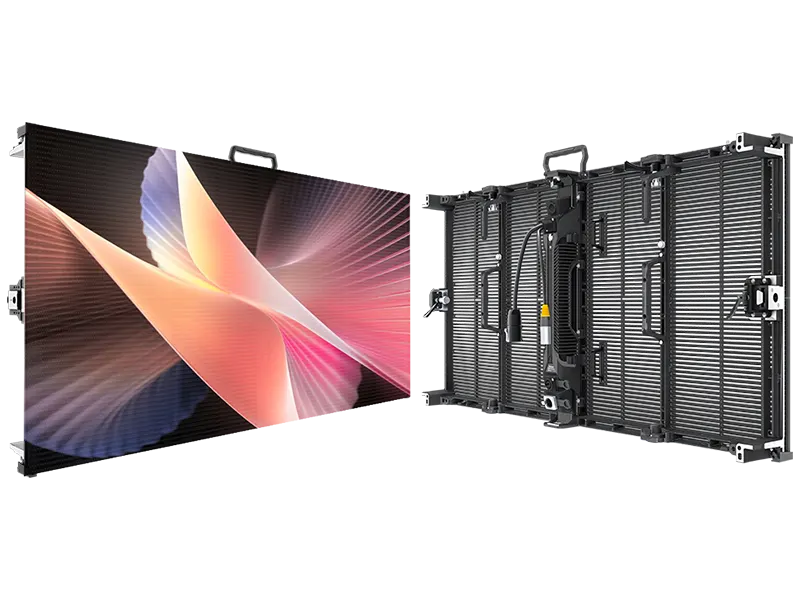
Transparent grille LED panels for open-view event displays
View series →Have a question? Just leave your email and a message.