Backdrops with limited service space
Review InnoLux and its documented front/rear maintenance options. Confirm the clearance, selected version and cabinet layout for your regular venues.
Review InnoLux →Choose LED display equipment for wedding rental fleets: compare close viewing, photography, venue fit, packing, and reusable screen layouts.
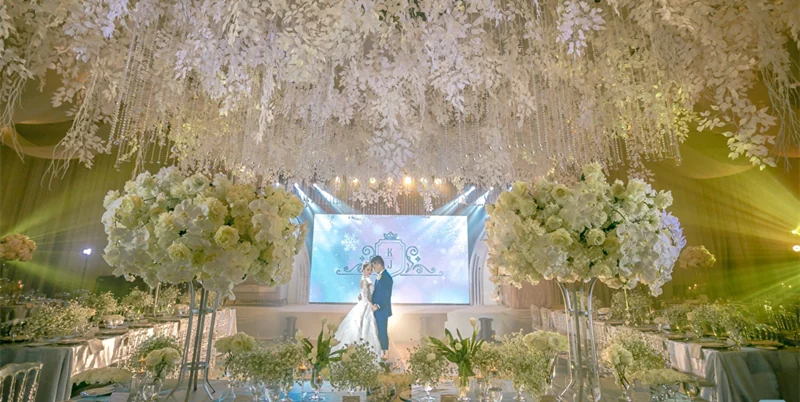
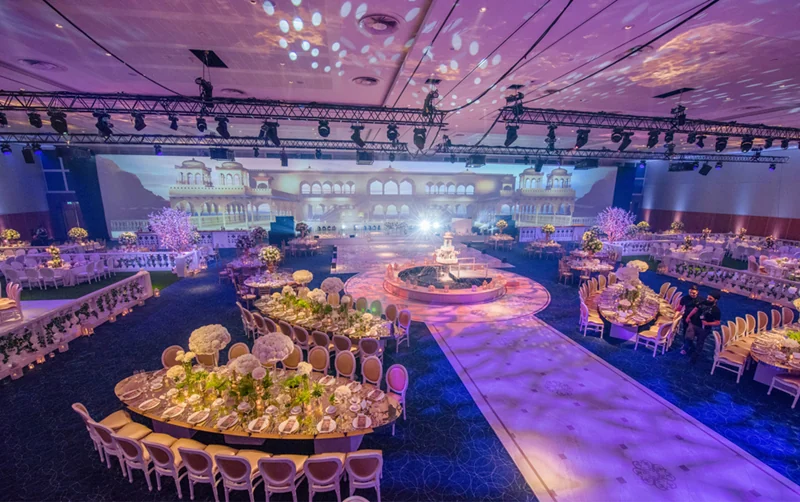
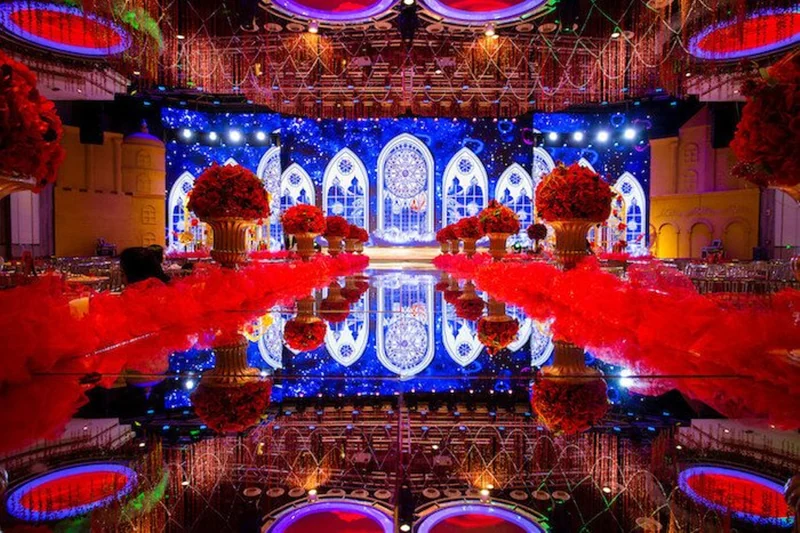
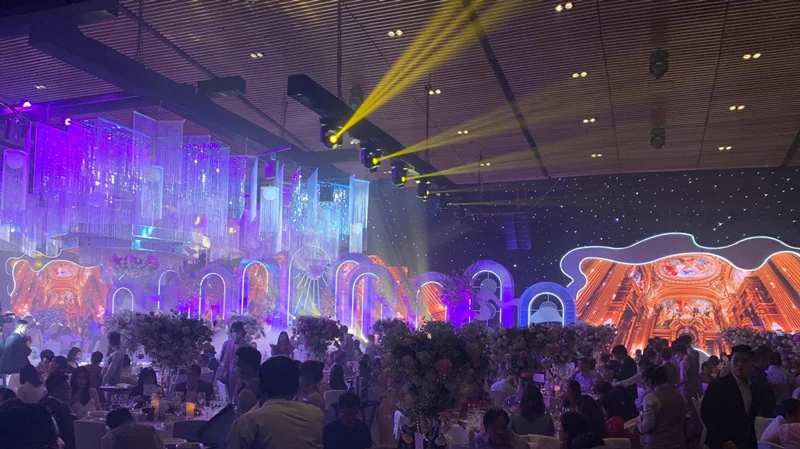
These are starting points for an equipment review. Confirm the exact configuration, accessories and site requirements before ordering.
Review InnoLux and its documented front/rear maintenance options. Confirm the clearance, selected version and cabinet layout for your regular venues.
Review InnoLux →Review InnoVisual when the backdrop includes curved sections. Confirm the required geometry, compatible accessories and maintenance access for the quoted configuration.
Review InnoVisual →Review OptiFlex for modular or curved layouts where rear maintenance can be accommodated. Include rear clearance in the venue plan before comparing equipment.
Review OptiFlex →For a wedding equipment fleet, collect the backdrop dimensions and room layouts you use most often. Mark the head table, closest guest seats, photographer positions, and the display's role: portraits, ceremony video, text, or a scenic background. Compare cabinet layouts against these recurring bookings so the purchase can serve several venue sizes.
Create a venue checklist covering doorways, elevators, loading access, case storage, service clearance behind the backdrop, and setup and removal windows. Add floor protection, cable routes, and the venue's mounting restrictions. Use the narrowest access and shortest turnaround in your regular bookings to compare cabinet and case choices before buying.
Mark the closest guest seat and the main camera positions on the venue plan. Prepare sample portraits, video, and any text that will appear on the display, then review them at the intended screen size and brightness. Compare pixel pitch, cabinet dimensions, and service clearance together. Include the selected configuration in the order and schedule a camera test before the event.
Include your common backdrop widths and heights in ft or m, closest guest distance, indoor or outdoor use, packing constraints, and destination country. Ask: Which cabinet layout covers these venue sizes? Is front maintenance available for the selected configuration when rear access is limited? Which cases and spare parts belong in the order? What equipment and settings should be used for a pre-event camera test? State the equipment purchase timeline separately from the first wedding date.
Close viewing, placement, appearance, venue constraints, content, camera use, setup timing, and safe cable and power planning should all be considered together.
Draw your recurring backdrop sizes as cabinet rows and columns. Compare how much hardware each layout needs, where service access remains available, and how the cases fit venue access. Keep the pitch and control configuration consistent where compatibility permits, and quote any extra accessories separately.
Confirm access, floor or rigging limits, power, cable routes, setup and strike windows, surface protection, and any venue safety or supplier requirements.
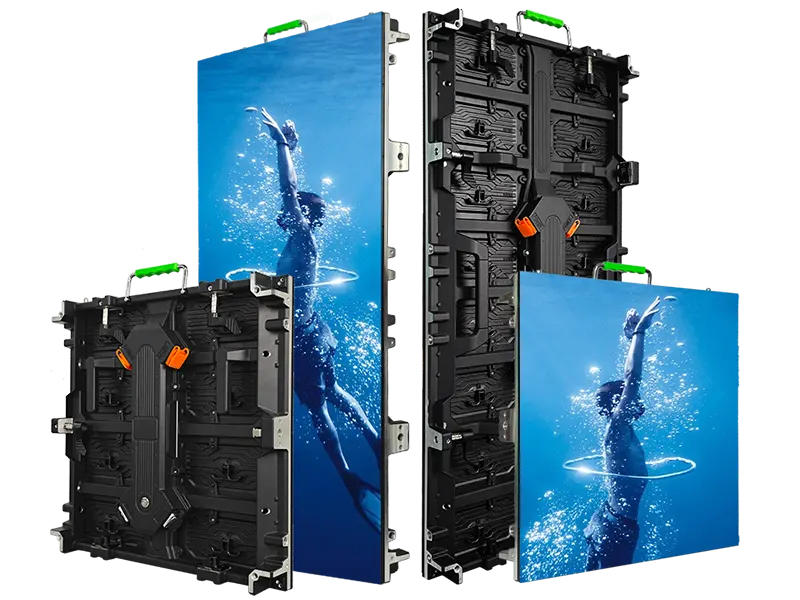
Rental LED display configurations for indoor and outdoor event use
View series →
Creative rental LED display configurations with curved splicing
View series →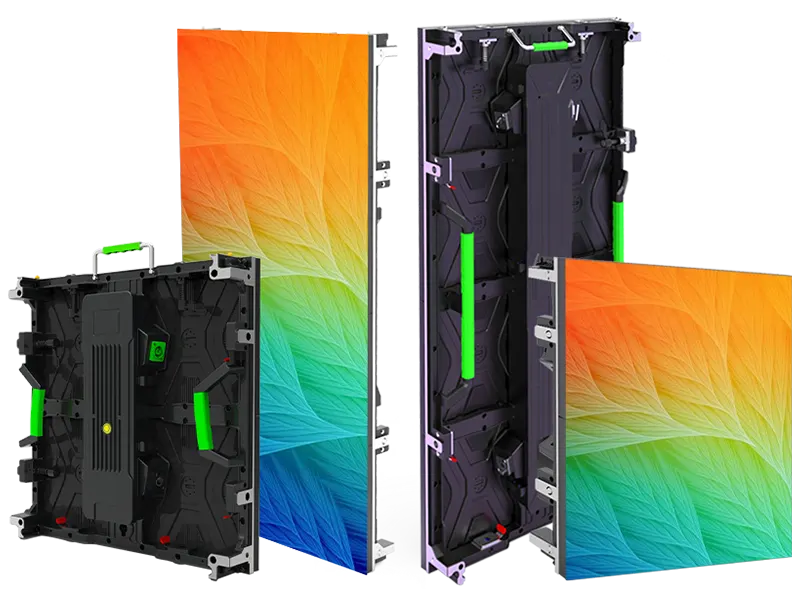
Flexible rental LED display configurations with curved splicing options
View series →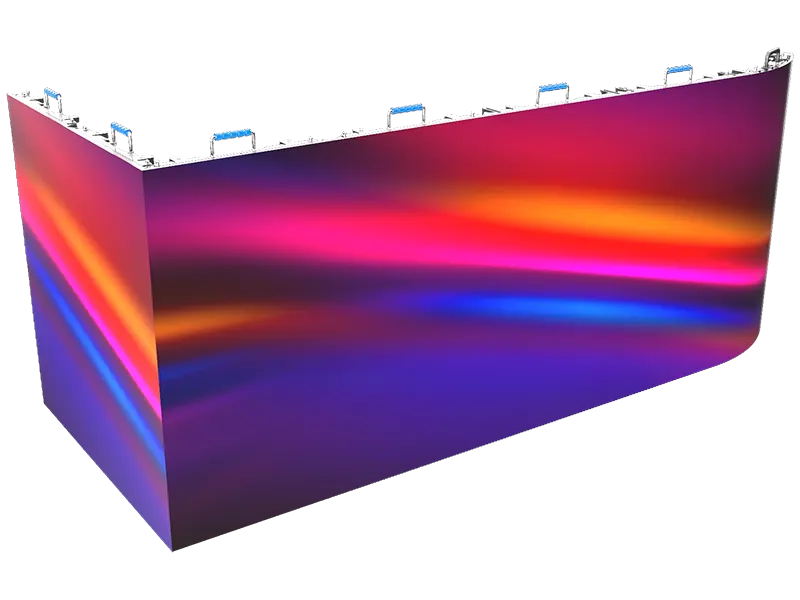
Creative rental LED display configurations with flexible splicing
View series →Have a question? Just leave your email and a message.