LED Pixel Pitch and Viewing Distance: A Practical Buying Guide
Understand how pixel pitch, audience distance, content, venue conditions, and camera use work together when planning an LED display.
What pixel pitch tells you
Pixel pitch is the centre-to-centre distance between neighbouring LED pixels, normally stated in millimetres. A smaller pitch places more pixels into the same physical area; it does not by itself describe the complete viewing experience. Cabinet design, processing, content, brightness, installation conditions, and the exact model also matter.
Check three audience zones and a separate camera view
Near audience: review faces, small text, and visible pixel structure at the closest seat. Main audience zone: review slide text, video, and graphics at the distances most guests use. Far audience: check whether the screen and content are large enough to communicate the message. For each zone, record distance in ft or m and the actual content sample. Camera view is a separate test: human viewing comfort does not establish acceptable results on the camera recording.
Calculate a theoretical canvas, then use cabinet pixels
Planning example only: 4,000 mm ÷ 2.5 mm = 1,600 pixel columns; 2,500 mm ÷ 2.5 mm = 1,000 pixel rows. This assumes an exact 2.5 mm pitch and gives a 1,600 × 1,000 canvas, not a product recommendation. For an order, use columns of cabinets × native pixels per cabinet horizontally, and rows of cabinets × native pixels per cabinet vertically. Use the exact configuration's integer pixel dimensions rather than rounding a calculation from a marketing pitch label.
Keep pitch labels and exact configurations separate
Buyers may search for P2.6, P2.9, or P3.91, while a supplier table may specify P2.604 or P2.97. Keep the exact label and native cabinet resolution in the quotation. Do not silently substitute P2.9 for P2.97, assume P2.6 means exactly 2.600 mm, or treat a rounded 3.91 mm label as a precise divisor. A pitch name helps form a shortlist; the supplied cabinet pixel count defines the assembled canvas.
Test camera artifacts with the intended setup
Moiré involves interaction between the LED pixel pattern and the camera's sensor pattern; refresh timing is a separate part of camera performance. Record the camera, lens, focus distance, frame rate, shutter setting, display brightness, and processing configuration. Test fine graphics, gradients, faces, and camera movement. Inspect the recorded output for patterns and lines at the intended framing. A high refresh-rate figure alone does not guarantee that every camera setup will work.
Balance detail, scale, and fleet use
A closer-view event may need a configuration that supports more apparent detail, while a distant stage audience may prioritise screen scale, brightness, transport, and budget. Rental companies should also consider whether the chosen configuration can be deployed across common event formats and maintained with the rest of the fleet.
Ask for a model-specific recommendation
Send the venue plan, audience distances, content examples, camera information, screen size, indoor or outdoor conditions, and any existing control equipment. Ask the supplier to state the recommended model, assumptions, and test conditions. Treat a distance rule as an initial planning aid, not a substitute for a product-specific review.
Common questions
What is the right viewing distance for a pixel pitch?
There is no single distance that applies to every screen and event. Use the closest and typical audience positions, near-view content detail, far-view legibility, camera use, and the exact model specification to make the decision.
How can I estimate the pixel resolution of a planned screen?
For an initial estimate, divide width and height in millimeters by the exact pitch. For the purchase specification, multiply cabinet columns and rows by the selected cabinet's native horizontal and vertical pixel counts. Recheck the physical dimensions when changing the cabinet layout.
Does a smaller pixel pitch remove camera problems?
Not by itself. Camera results depend on the display, processing, scan and refresh behaviour, brightness, camera settings, and test conditions. Validate the intended combination.
What information should I send for a pixel-pitch recommendation?
Provide screen dimensions, audience distances, content type, camera details, environment, mounting constraints, and any existing control equipment. Include units and identify anything still unknown.
Explore related series
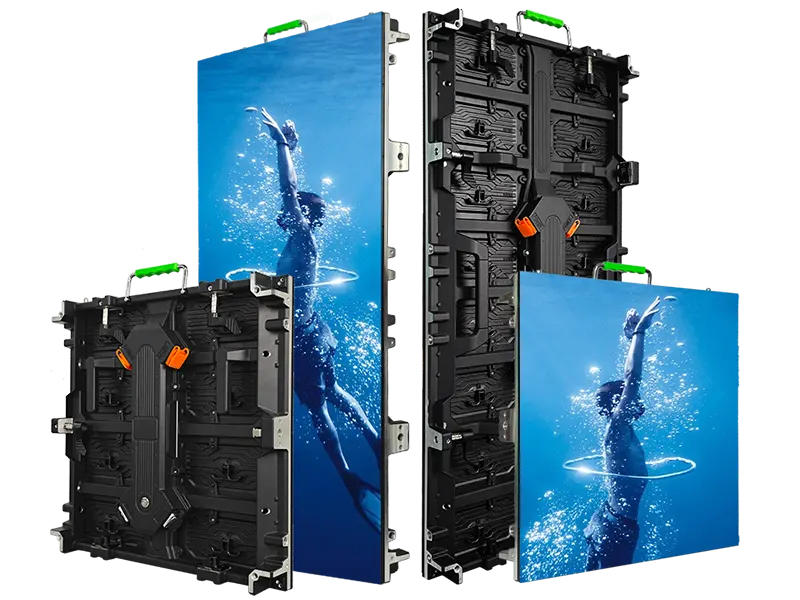
InnoLux
Rental LED display configurations for indoor and outdoor event use
View series →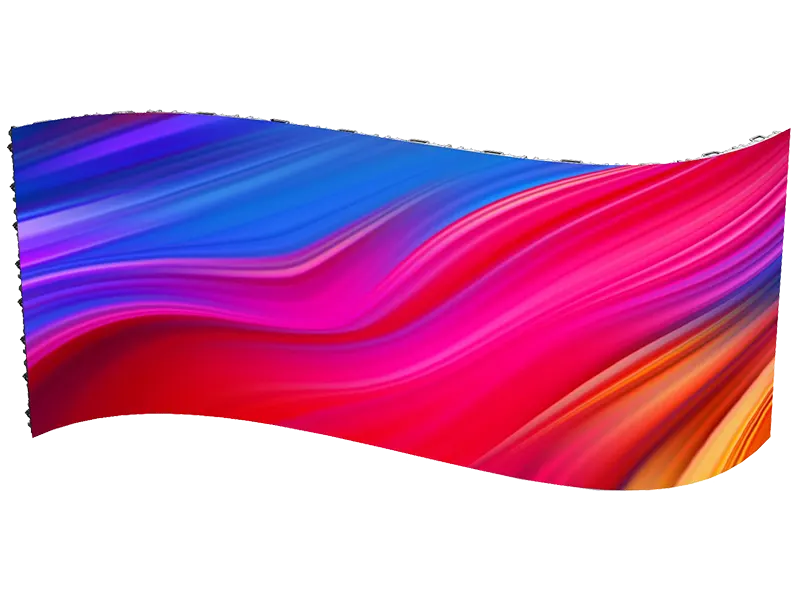
InnoVisual
Creative rental LED display configurations with curved splicing
View series →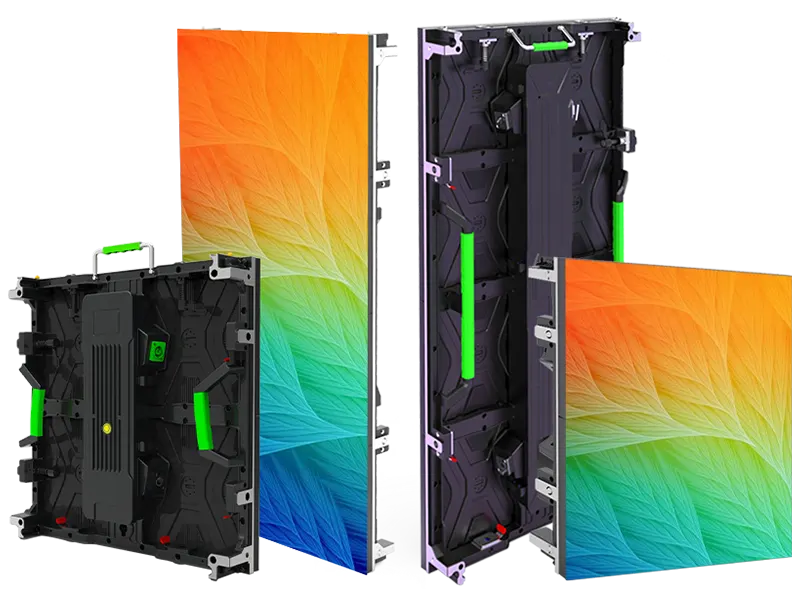
OptiFlex
Flexible rental LED display configurations with curved splicing options
View series →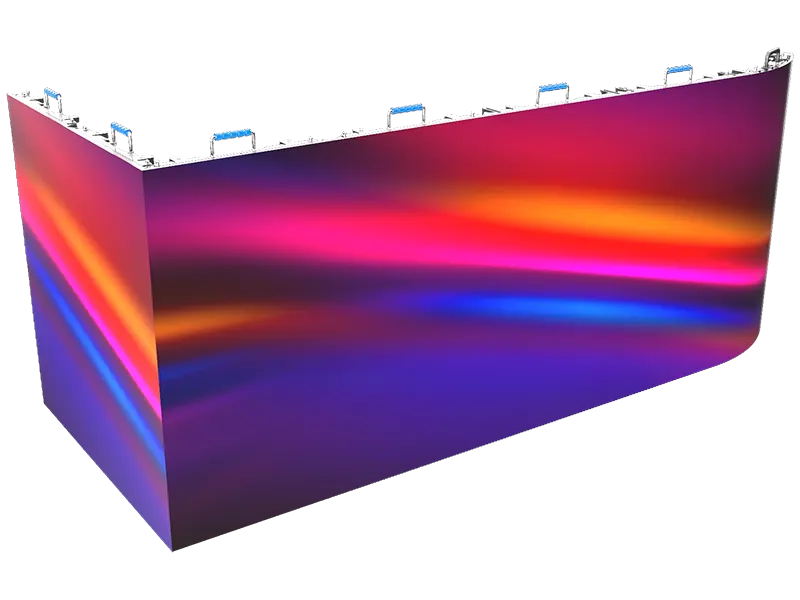
PixelFuse
Creative rental LED display configurations with flexible splicing
View series →Discuss your configuration
Have a question? Just leave your email and a message.