Presentation and live-camera walls
Review InnoLux as a modular wall starting point. Send sample slides, viewing positions and camera details, and confirm the display and processing configuration together.
Review InnoLux →Buy LED display systems for corporate event production: plan slide legibility, source switching, camera content, rehearsal, and fleet compatibility.
These are starting points for an equipment review. Confirm the exact configuration, accessories and site requirements before ordering.
Review InnoLux as a modular wall starting point. Send sample slides, viewing positions and camera details, and confirm the display and processing configuration together.
Review InnoLux →Review InnoVisual for layouts that include curved sections. Define the screen geometry and signal sources before specifying compatible cabinets and accessories.
Review InnoVisual →Review PixelFold Pro for its 640 × 1920 mm LED poster format and folding presentation options. Confirm the indoor or outdoor version, linked-unit layout and control scope.
Review PixelFold Pro →For an AV rental fleet, define the jobs the display must handle: presentation slides, live camera, product demonstrations, branded graphics, or several sources during one session. Collect representative content and mark the closest and farthest audience positions. Use text legibility, image layout, and the intended switching workflow to compare display and processing configurations.
List presentation laptops, playback systems, and camera feeds, along with their connections and required formats. Note which sources must appear together, which will be switched live, and which equipment your team already owns. Identify responsibility for scaling, playback, and screen configuration. Compare quotes against this source list so the processing and connections fit the production workflow.
Collect representative slides, fine text, brand colors, video, and live camera content. Map each source to an input and assign responsibility for switching, scaling, playback, and screen configuration. Review the content from the closest and farthest audience positions during rehearsal. Include service clearance, cabinet handling, case dimensions, and spare parts in the fleet buying decision so the chosen system fits both the presentation and the crew workflow.
State the planned screen size in ft or m, audience distances, indoor or outdoor conditions, source formats, existing control equipment, and destination country. Ask: What is the assembled screen's pixel resolution? Which processor and connections support the source list? Which components can work with our existing equipment? What should be included in the rehearsal test? Add the equipment purchase date and allow for content review before the first production; list buyer-supplied equipment separately in the quote.
The answer depends on the production: presentations, cameras, graphics, branding, demonstrations, and audience sightlines may all affect the screen and control configuration.
Use representative slides, brand graphics, video, and camera feeds. Check content sizing and legibility from the planned audience positions, run the intended source switches, and verify the signal path with your existing equipment. Record the configuration used and any items still needed before deployment.
That depends on the room, ambient light, image area, content, viewing positions, production workflow, and budget. Compare the complete solution against the event requirements rather than using a blanket preference.
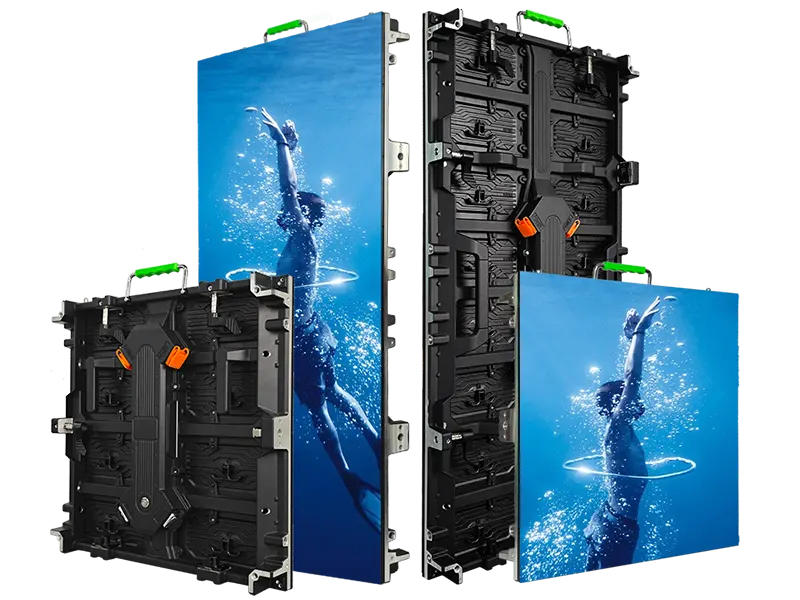
Rental LED display configurations for indoor and outdoor event use
View series →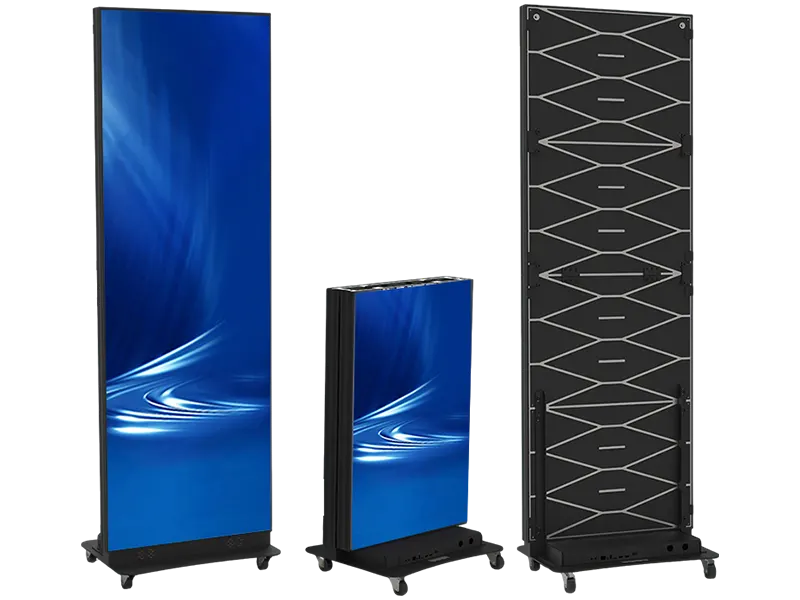
Portable LED poster displays for events and commercial spaces
View series →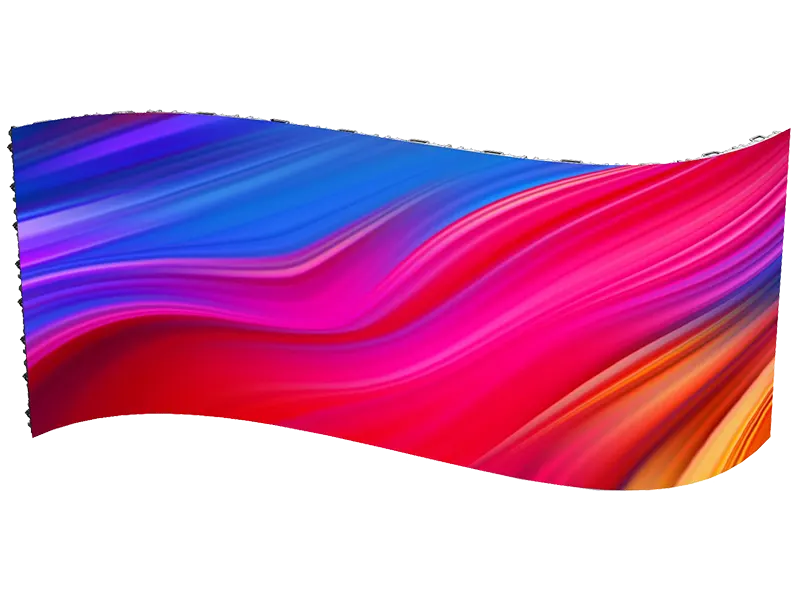
Creative rental LED display configurations with curved splicing
View series →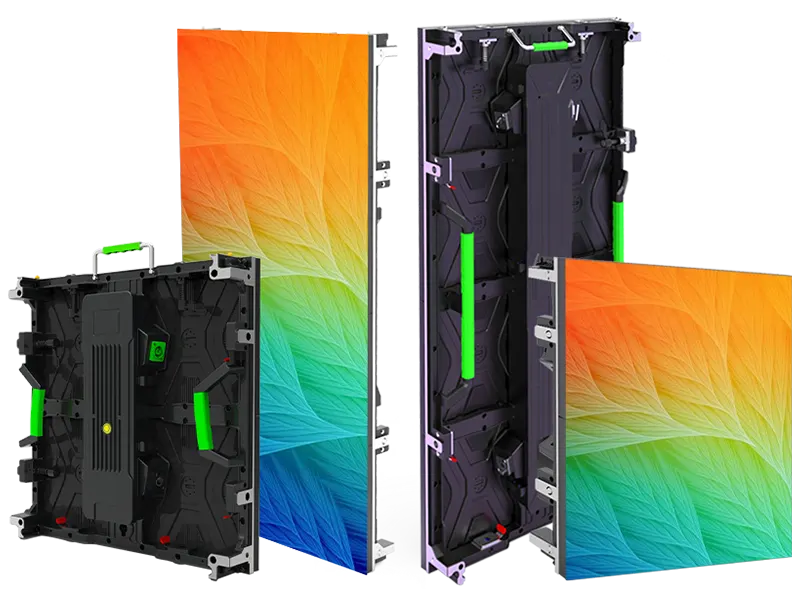
Flexible rental LED display configurations with curved splicing options
View series →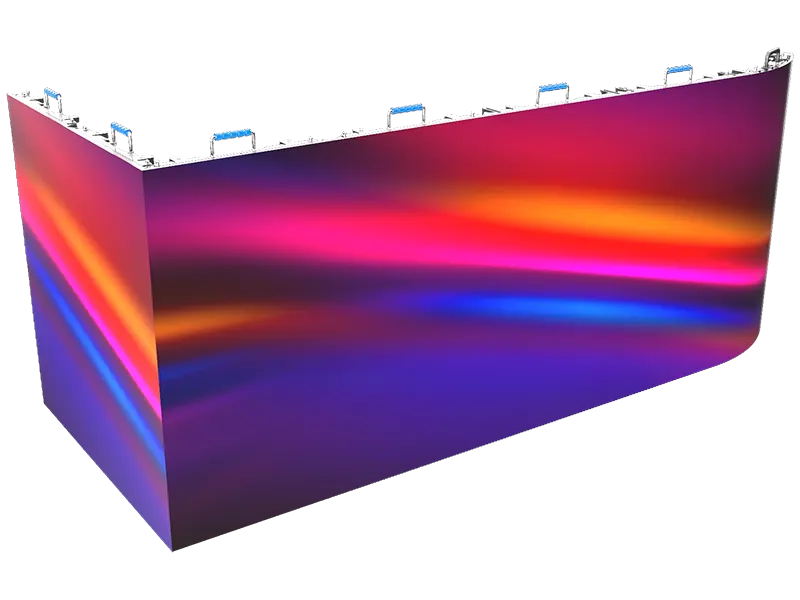
Creative rental LED display configurations with flexible splicing
View series →Have a question? Just leave your email and a message.