COB vs GOB LED Displays: An Indoor Buyer's Guide
Compare COB, GOB and SMD LED displays by indoor viewing task, exact configuration, maintenance access and complete system quotation scope.
COB and GOB describe different parts of a display's construction
COB places LED chips directly on the display board. GOB adds a protective surface layer to an assembled LED module, commonly an SMD module. They are different construction approaches, not two grades of picture quality. For an indoor LED wall, compare the exact pitch, cabinet layout, image requirements and service arrangement before choosing a label. A meeting-room wall showing spreadsheets and a brand wall showing large graphics may need different configurations even when their overall dimensions match.
| Term | What it describes | What to establish in the quotation |
|---|---|---|
| SMD: surface-mounted device | Packaged LED devices fitted to the board | The LED package, pixel pitch and selected module |
| GOB: glue on board | An added protective coating over the module face; the underlying SMD construction remains relevant | The underlying module and specified surface treatment |
| COB: chip on board | LED chips mounted directly on the board and protected as part of the module construction | The selected chip, module and cabinet configuration |
Start with the room and the content
Write a short viewing brief before comparing samples. Include the closest seats, the most demanding text or graphics, room lighting and any recording requirement. Use the same content and intended operating brightness for both candidates. These are procurement checks, not a rule that one technology belongs to every conference room or public space.
| Indoor task | Compare on the samples | Decision to record |
|---|---|---|
| Meeting room with charts and small text | Your smallest labels, grid lines and presentation layout from the closest and farthest seats | The pitch and native canvas that keep the required information readable |
| Lobby or corporate brand wall | Logos, faces and dark scenes under the intended room lighting | The image appearance and surface finish acceptable for the installation |
| A wall within reach of people or equipment | The proposed face treatment and the handling and cleaning instructions | How the installation will limit contact and how damaged modules will be serviced |
| A wall included in video meetings or recordings | The actual camera, display settings and representative content together | The tested setup and any operating conditions attached to acceptance |
Compare VisiGuard and AuraVue by selected configuration
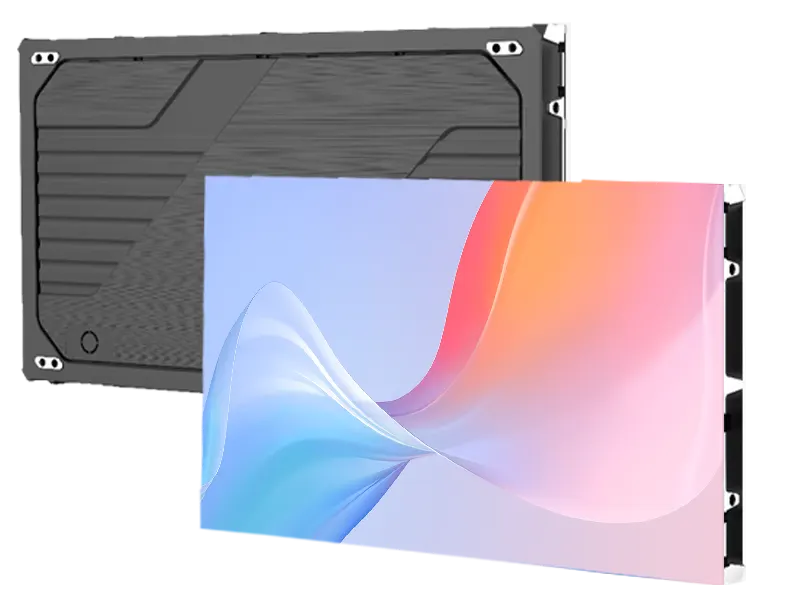
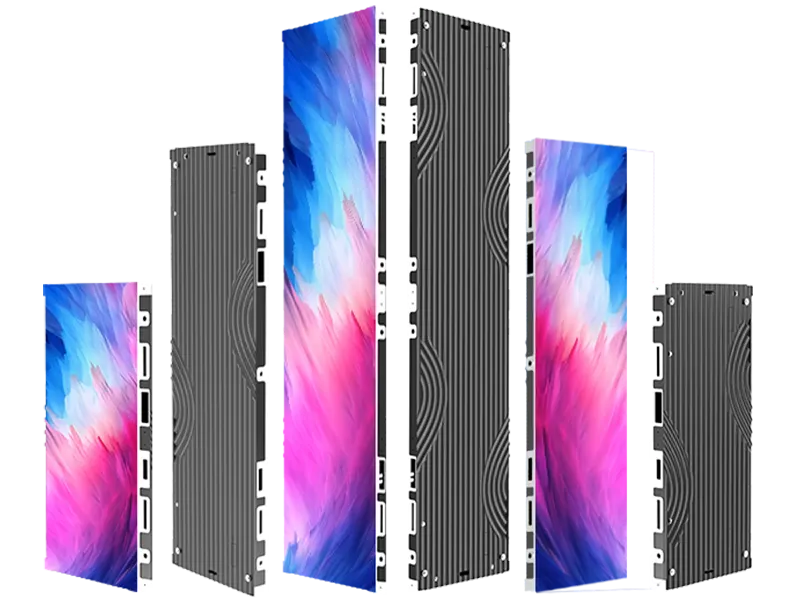
VisiGuard provides a flip-chip COB starting point for indoor fixed walls. AuraVue provides an indoor SMD range with GOB listed at particular pitches. Both series list P1.25 and P1.56 configurations, which can help prepare a closer comparison than pairing their smallest and largest pitches. The same nominal pitch still does not establish the same cabinet pixels, optical behavior, processing or installed cost.
- Keep each pitch's stated brightness and drive settings with that configuration; do not combine the strongest figures from different variants.
- Compare the dimensioned cabinet layout and native pixel count of the complete wall.
- Treat cabinet depth and the finished installation depth as separate dimensions; mounting, cabling and access still need space.
| Selection item | VisiGuard starting point | AuraVue starting point |
|---|---|---|
| Construction | Flip-chip COB | SMD; GOB listed at P1.25, P1.56 and P1.95 |
| Listed pitch range | P0.62, P0.78, P0.93, P1.25 and P1.56 | P1.25, P1.56, P1.95, P2.5, P2.604, P2.976 and P3.91 |
| Cabinet depth | 39.75 mm | 33 mm |
| Routine access starting point | Magnetic front maintenance | Magnetic front maintenance |
| Layout review | Choose the cabinet format and assembled wall dimensions | Choose the cabinet format, orientation and any required corner components |
Use a repeatable sample comparison
Prepare one acceptance sheet for both proposals. Begin with your real presentation or signage files, then add plain backgrounds and low-brightness scenes to examine the assembled image. Look at the samples under comparable lighting and from the planned viewing positions. Record the selected pitch, brightness setting, content source and processor settings so a later demonstration can be reproduced. A smooth-looking surface alone does not identify its construction or prove how the complete wall will perform.
- Read small text and inspect fine lines using the intended content canvas, rather than judging only full-screen promotional video.
- View a representative module junction and several image tones from the planned positions.
- Check reflections with the room lights placed as they will be during use.
- If cameras matter, include the intended camera and recording settings in the same acceptance session.
- Attach agreed results and configuration references to the order rather than relying on the words COB or GOB.
Plan access and repairs as part of the purchase
Front maintenance describes the direction of access; it does not mean every repair can be completed on site or that no working space is needed. Ask for the proposed module removal method, the parts replaceable on site and the work that requires a repair service. Include spare modules and any required tools in the equipment discussion. Agree how replacement modules will be matched and set up with the installed wall. The appropriate spare quantity depends on the installation and support arrangement, so a fixed percentage should not decide every order.
- Separate module replacement from component-level repair when comparing service proposals.
- Obtain the cleaning method for the selected surface; do not assume the same chemicals or procedure suit every coating.
- Include access to power and control components, not only the visible LED face.
- Use the front-versus-rear-service guide to review the complete installation route.
Compare complete quotations using the same scope
A useful COB vs GOB price comparison starts with the same display task and equipment boundary. A panel-only figure and a complete installed-system figure cannot be compared as equivalent offers. Separate the screen, control, mounting, spares and transport lines, and state which work is provided locally. Use the checklist below for an indoor fixed LED display enquiry; an approximate size and a description of the room are enough to begin the conversation.
- Shortlist the indoor fixed category, then use the VisiGuard and AuraVue pages for the relevant configurations.
- Use the complete-system checklist to compare included, optional and locally supplied items.
- Send the approximate screen size, room use and any content example through the enquiry form below. The sales discussion can establish the remaining configuration details.
| Quote line | Information to compare |
|---|---|
| Screen configuration | Selected series, pitch, module treatment, cabinet layout and complete native pixel count |
| Processing and signal | Required sources, input formats, processor model and included receiving/control equipment |
| Mounting and access | Proposed support arrangement, finished installation depth and service route |
| Spares and service | Itemized replacement parts, tools, cleaning instructions and agreed repair arrangements |
| Packing and destination | Packing quantities, delivery destination and which transport charges are included |
| Acceptance | Representative content, viewing positions, room lighting and any agreed camera test |
Common questions
Is GOB the same as COB?
No. GOB is a protective treatment applied over a module face, commonly an SMD module. COB describes mounting LED chips directly on the board. A similar-looking finished surface does not make their construction or exact configuration interchangeable.
Is a COB LED display always better than a GOB display?
There is no single choice for every indoor project. Compare the required image detail, surface behavior under room lighting, service route and complete equipment scope. Evaluate the exact proposals with the same content and viewing conditions rather than ranking the acronyms.
Does every AuraVue pixel pitch include GOB?
No. The current AuraVue range lists GOB at P1.25, P1.56 and P1.95. The other listed pitches use their stated SMD configurations. Keep the selected pitch and LED construction together when requesting a quotation.
Does COB or GOB mean the wall is 4K or waterproof?
Neither label establishes native resolution or the complete display's ingress-protection rating. Native resolution comes from the selected modules and assembled pixel layout; suitability for the environment must follow the specified product configuration. This comparison concerns indoor fixed displays.
Can front-service COB or GOB modules be repaired on site?
Front access can provide a route to remove and replace the relevant modules. It does not establish which component repairs can be performed on site. Confirm the replacement procedure, required tools and repair-service arrangement for the selected configuration before ordering.
What should I send to compare COB and GOB quotations?
Start with the approximate screen width and height, indoor use, closest viewing position and the type of content. Add the intended installation and delivery location if known. Ask for an itemized screen, control, mounting, spares and packing scope; a complete specification is not required for the first enquiry.
Explore related series
Technical references
These references explain technical principles. Confirm the supplied configuration against its own product specification.
Discuss your configuration
Have a question? Just leave your email and a message.